Choosing between a writing tablet and a drawing tablet can quickly become confusing. Their names sound similar, but they serve different needs for students, professionals, and artists.
A writing tablet is designed mainly for note-taking or simple sketches, usually with basic features and a focus on handwriting. A drawing tablet, on the other hand, offers advanced pen pressure sensitivity, graphic controls, and compatibility with art software for serious illustration or digital art.
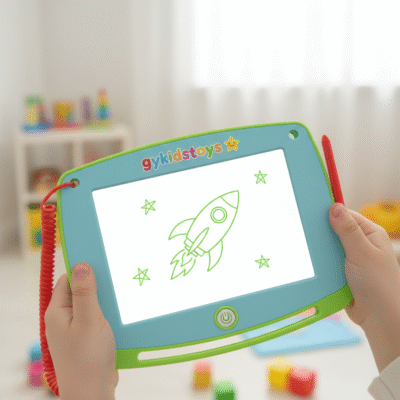 writing tablet vs drawing tablet
When I started out, I did not know which device was right for me. I tried both and found some key differences that changed how I worked. Understanding the basics before buying can save time and money, making sure you get the right tool for your goals.
How are writing tablets built differently from drawing tablets?
Some users expect all tablets to work the same way. The truth is, each uses different technology inside.
Writing tablets use simple pressure-based layers or LCD panels for direct, paper-like writing. Drawing tablets offer higher-resolution digitizers, advanced stylus technology, and sometimes built-in displays, supporting detailed artistic control and digital editing.
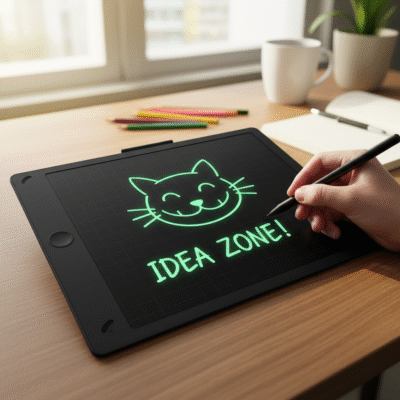 writing tablet build
Inside a writing tablet, you will find mostly an LCD or electronic paper that shows your marks. The stylus may be passive and just presses on the screen, moving liquid crystals or contacts. Most writing tablets have a single erase button, and no computer connection or advanced features. Drawing tablets usually come with electromagnetic resonance (EMR) or active digitizer technology. The stylus for drawing is battery-free or battery-powered, often with many levels of pressure and tilt recognition. This makes drawing tablets precise, especially for shading or digital painting. Writing tablets are thin and light, while drawing tablets often need a computer and have more technical features.
| Feature |
Writing Tablet |
Drawing Tablet |
| Input Method |
Pressure/LCD layer |
EMR/Active digitizer |
| Erase Function |
One-touch clear (full screen) |
Undo/redo with software |
| Stylus |
Passive |
Active, pressure-sensitive |
| Display |
Usually no display or simple LCD |
Can have HD display or no screen |
| Main Use |
Notetaking, doodling |
Art, photo editing, illustration |
After testing both, I choose a writing tablet for quick notes and a drawing tablet for work that needs more detail. The build and tech inside matter more than looks.
Which user is best suited to each type of tablet?
I often get questions from teachers, parents, or new artists unsure which tablet will help them most.
Writing tablets suit those who want to take notes, make lists, or help children practice writing, with easy-to-use surfaces and one-click erase. Drawing tablets help artists, designers, and students who want precise control over images, layers, and effects for more complex digital projects.
 writing tablet for kids
Writing tablets are best for kids, students, and professionals who need quick, casual note taking, memo pads, or handwriting practice. They are simple, cheap, and ready to use out of the box. Drawing tablets are better for art students, graphic designers, and those using creative software like Adobe Photoshop or Clip Studio Paint. They provide functions such as customizable shortcut keys, pressure and tilt sensors, and often support for layers and color blending.
| Type |
Best For |
Key Activity |
Common Features |
| Writing Tablet |
Kids, teachers, note-takers |
Handwriting |
Thin, erase button |
| Drawing Tablet |
Artists, illustrators, designers |
Drawing, painting |
Pressure, software |
My experience shows that giving kids a writing tablet encourages daily practice, while a drawing tablet unlocks creative skills for older students and professionals.
What practical tasks can each tablet perform?
Many users wonder if they can use a writing tablet for art, or a drawing tablet for notes. The functions overlap, but each has clear strengths and limits.
Writing tablets are great for jotting quick notes, practicing handwriting, or leaving reminders. Drawing tablets excel at advanced digital art, creating illustrations, photo retouching, and projects with multiple layers, brushes, and colors.
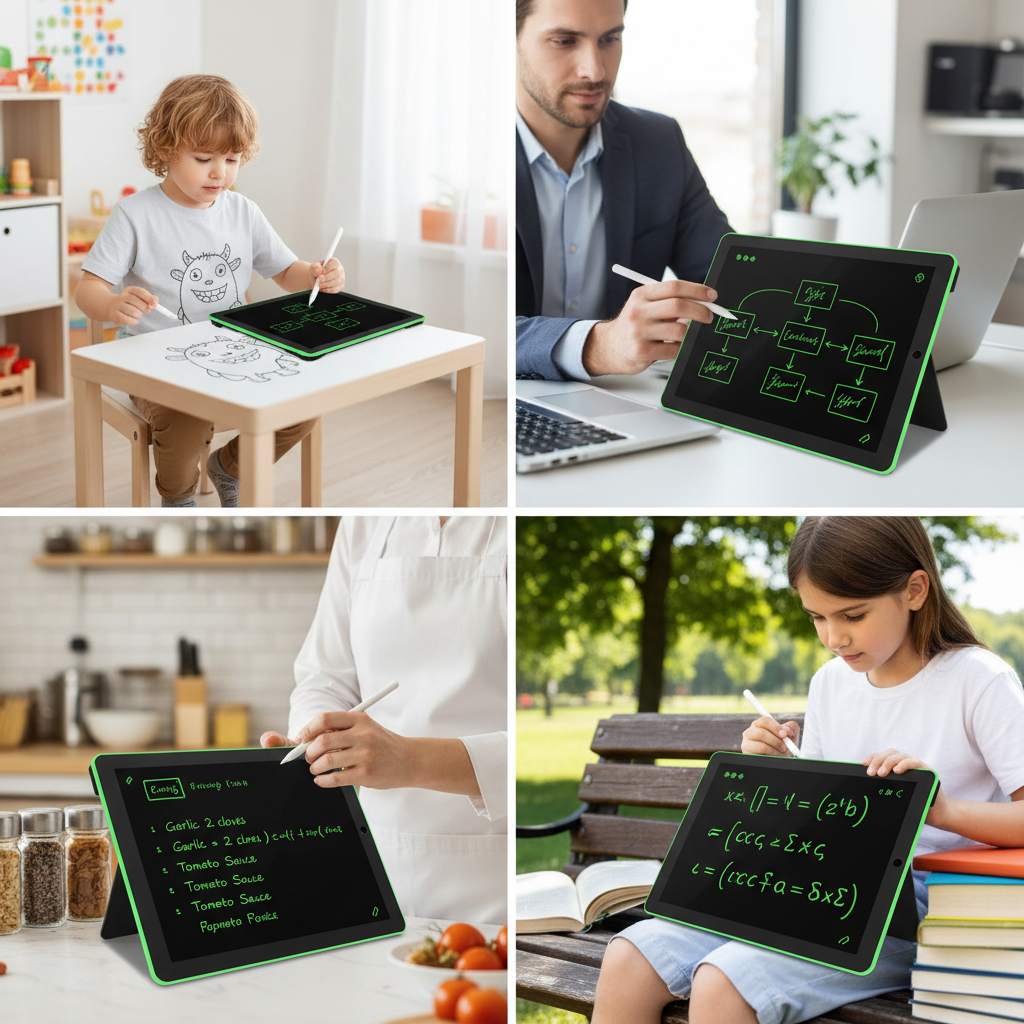 drawing tablet for professionals
The writing tablet works well for shopping lists, simple diagrams, educational games, or as a non-digital memo pad. Most clear the entire screen with a button and do not save work (unless app-connected). Drawing tablets link to computers or tablets, supporting file saving, editing, and exporting. They work with complex programs that need pen accuracy and support many types of lines, fills, or details. You can use a drawing tablet for notes, but most users find them less convenient for fast handwriting because art software focuses on image editing, not writing.
| Task |
Writing Tablet |
Drawing Tablet |
| Take quick notes |
Excellent |
Possible, less convenient |
| Detailed art |
Not suitable |
Best choice |
| Save sketches |
Some models |
Always possible |
| Use professional apps |
No |
Yes, wide compatibility |
| Handwriting practice |
Great |
Decent, but not core strength |
When traveling or teaching, I bring both types—writing tablets for fast communication, drawing tablets for any project that needs detail or editing.
Conclusion
Writing tablets work best for easy notetaking and basic sketches, while drawing tablets offer precision and digital power for art and design.
