Are you thinking about diving into digital art but unsure if a drawing tablet is a smart first step? It’s normal to worry about cost and learning curves as a beginner.
A drawing tablet is a great tool for beginners. Modern devices are affordable, easy to use, and can speed up learning for anyone just starting with digital art or graphic design.
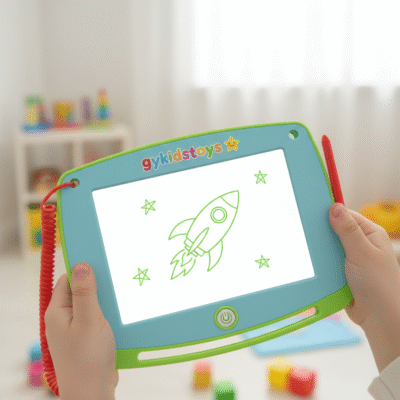 should a beginner get a drawing tablet
I still remember when I bought my very first drawing tablet. I was both excited and nervous, thinking digital art would be hard to pick up. But the right tablet made practice feel natural, and I improved much faster than with a mouse or trackpad. Let’s unpack why a drawing tablet is helpful for artists just starting out.
What advantages do drawing tablets offer beginners?
It’s easy to believe that drawing tablets are just for professionals, but this isn’t true. Many new artists worry about making mistakes or needing special skills to start.
Drawing tablets offer pressure sensitivity, a natural drawing feel, and direct control that help beginners create better artwork and learn faster than with a mouse.
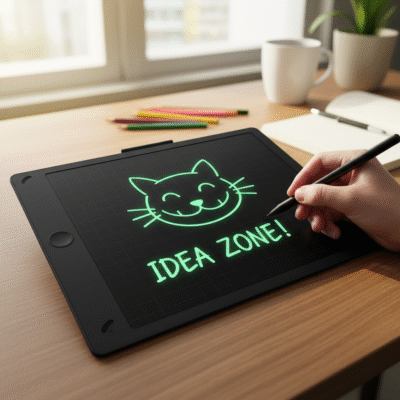 beginner drawing tablet advantages
Hands-On Benefits for New Artists
When I tried digital drawing for the first time, moving from pencil and paper to a tablet was easy. A drawing tablet follows hand pressure and movement much more closely than a mouse. This means sketching and shading feel natural. Entry-level tablets are now less expensive and easy to set up with any computer. Most come with simple drivers and some even plug-and-play.
Here’s a table to show why tablets help beginners:
| Feature |
Mouse/Trackpad |
Drawing Tablet |
| Pressure Sensitivity |
No |
Yes, natural shading |
| Pen Control |
Limited |
Precise |
| Natural Feel |
No |
Feels like real drawing |
| Learning Curve |
Steep |
Easy for new users |
| Price for Starter |
N/A |
Very affordable ($35+) |
The experience feels more like real sketching, making it easy to transfer skills from paper. Mistakes are easy to fix, and you can experiment without wasting paper or supplies. This adds joy and lowers stress for anyone starting out.
Are there affordable drawing tablets for complete beginners?
High price tags sometimes scare new artists away, but cost does not need to be an obstacle. I wondered at first if an entry-level product would work for real art.
Today’s market has many budget-friendly drawing tablets like the Huion H610 Pro V2 and XP-Pen Deco 01 V2, which deliver great value and full features for beginners.
 affordable drawing tablets for beginners
Options and Value
When I started digital drawing, I picked up a budget XP-Pen tablet for under $70. It had 8192 pressure-sensitivity levels, a good-sized workspace, and came with a battery-free stylus. Setting it up was simple—just a quick driver install. There are tablets today under $50 that still offer professional-level sensitivity.
These choices prove you do not have to spend a lot to get a reliable tablet for learning and art practice.
What should beginners look for when choosing a first drawing tablet?
Choosing the first drawing tablet can feel confusing when so many brands, sizes, and features exist. I made mistakes at first by chasing features that didn’t matter for my skills.
Beginners should focus on a tablet with a comfortable pen, easy setup, useful active area, and basic shortcut buttons—not on advanced or expensive extras.
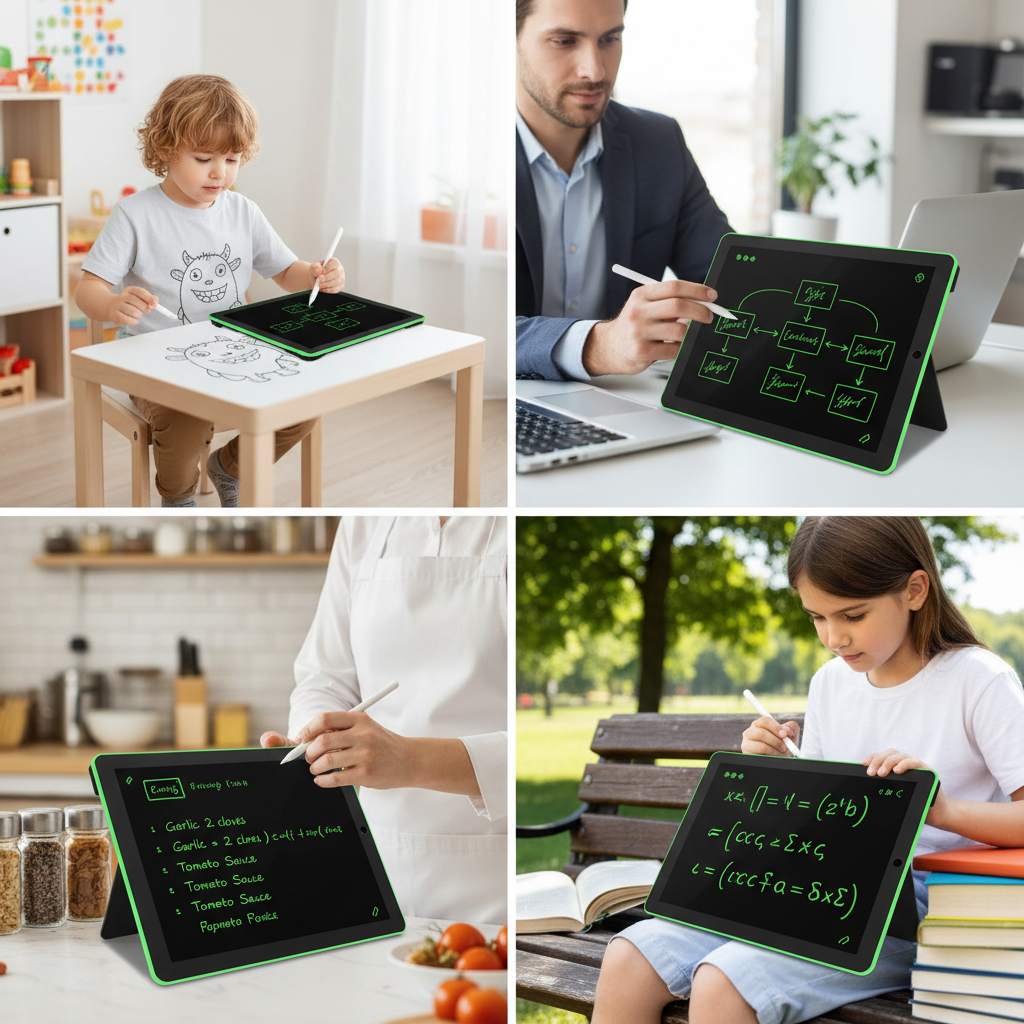 choosing first drawing tablet
Making a Simple, Effective Choice
When I picked my first tablet, I realized a medium-sized active area (around 10 x 6 inches) was best for learning. Battery-free styluses are more convenient since there is no need to recharge them. Most entry-level brands now include several shortcut keys for undo or zoom, making work faster for new users.
Key factors I recommend:
| What to Look For |
Why It Matters |
| Battery-free stylus |
No charging needed, always ready |
| 8192 pressure levels |
More control over lines and shading |
| Active Area |
Around 10x6 in = enough space for learning |
| Simple connection |
USB/USB-C, easy plug-and-play on most devices |
| Brand support |
Drivers and customer help when you need it |
Stick with known brands, read reviews, and try a model that fits your space and hand—a few solid features are enough for a great start.
Conclusion
A drawing tablet is a smart investment for beginners. It makes digital art easy to start, feels natural, and affordable models are ready for your creative journey.
