Concerned about the potential risks of tech toys like LCD tablets for your children? Rest easy—let’s break down the facts to help you make an informed decision.
LCD tablets are generally safe for kids, thanks to their non-radiative screens, durable design, and absence of harmful materials or internet connectivity, making them a worry-free choice for families.
 Kids with LCD tablet
Safety is a top priority for parents, and technology often raises extra concerns. Keep reading to learn what sets LCD writing tablets apart, how to evaluate safe models, and why they’re a smart pick for all ages.
Do LCD tablets pose any health risks to children?
Worried about eye strain or hidden hazards that might affect your child’s health? Let’s unpack the truth behind LCD tablet safety.
LCD tablets do not emit blue light, radiation, or heat and use pressure-based screens, so there’s no risk of digital eye strain, overheating, or electromagnetic exposure for young users.
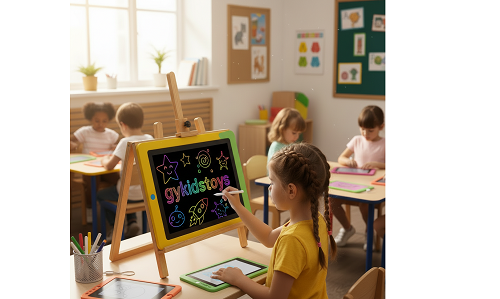 LCD tablet safety features
Dive deeper:
Unlike smartphones or tablets, most LCD writing tablets have passive screens—no backlights, no flickering, and no EMF radiation. They’re designed only to register stylus pressure, so eyes are protected, even after hours of use. Here’s a comparison of safety features:
| Device Type |
Blue Light |
EMF Radiation |
Safety Level |
| LCD writing tablet |
No |
No |
High |
| Regular tablet |
Yes |
Possible |
Medium |
| Paper |
No |
No |
High |
Quality models use non-toxic, shatterproof materials, minimizing any risk of accidental breakage or ingestion.
Are LCD tablets durable enough to handle rough play?
Worried you’ll waste money if your LCD tablet breaks easily? Durability is key for young, energetic users.
Most LCD tablets are kid-proof, featuring reinforced edges, shatter-resistant screens, and sturdy styluses that withstand drops, bangs, and daily wear.
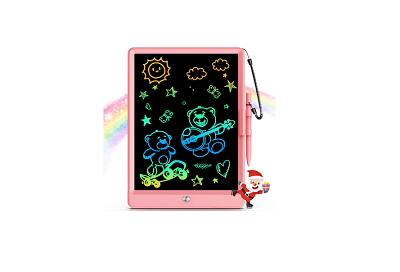 Kid-proof LCD tablet
Dive deeper:
Manufacturers know kids are tough on tech. Good LCD tablets use ABS plastic bodies, scratch-resistant displays, and thick styluses. Many even pass drop tests and offer replaceable batteries. When choosing a tablet, look for these durability features:
| Feature |
Why it matters |
What to choose |
| ABS plastic casing |
Withstands drops |
Sturdy build, rounded edges |
| Shatterproof screen |
Prevents cracks |
Flexible or tempered glass |
| Replaceable battery |
Prolongs life |
Easy battery compartment |
Selecting well-made models ensures years of worry-free use.
Can LCD tablets be used without supervision?
Wonder if your child needs to be constantly monitored with their LCD tablet? Here’s what you should know.
LCD tablets do not connect to the internet and lack distracting apps, so they’re safe for independent play, drawing, and writing at home or school.
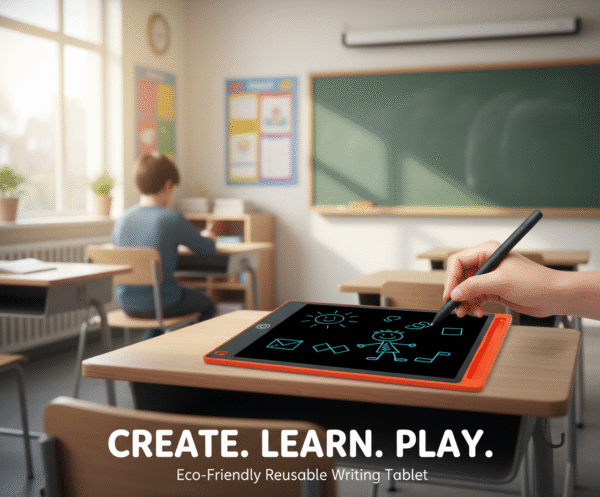 Independent LCD tablet use
Dive deeper:
Unlike smart devices, LCD tablets can’t browse the web, download risky content, or cause screen addiction. They offer straightforward functionality: write, erase, repeat. For the very young, supervision is still advised (especially to prevent battery access or chewing on styluses), but for older kids, they’re virtually risk-free for solo use.
| Age Group |
Supervision Needed |
Why |
| 2-3 years |
Yes |
Choking hazards |
| 4+ years |
No (general use) |
Safe features |
For peace of mind, verify safety certifications and choose trusted brands.
Conclusion
LCD tablets are a safe, durable, and internet-free tool for kids, supporting creativity and learning with minimal health risks and maximum parental peace of mind.
